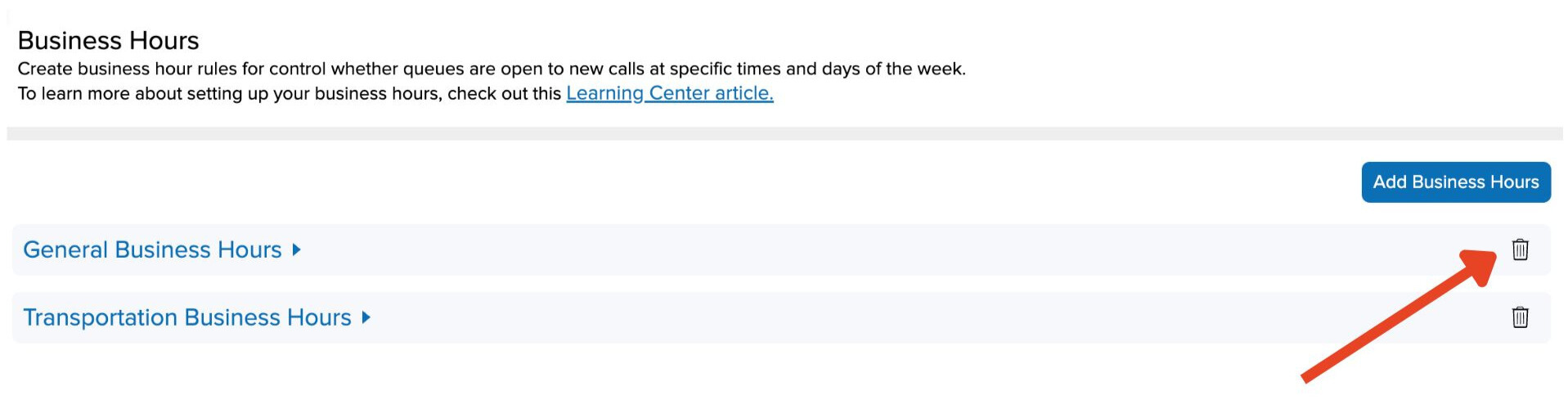
Create business hour rules to indicate when phone queues are open and when calls will be routed to voicemail.
Add Business Hours
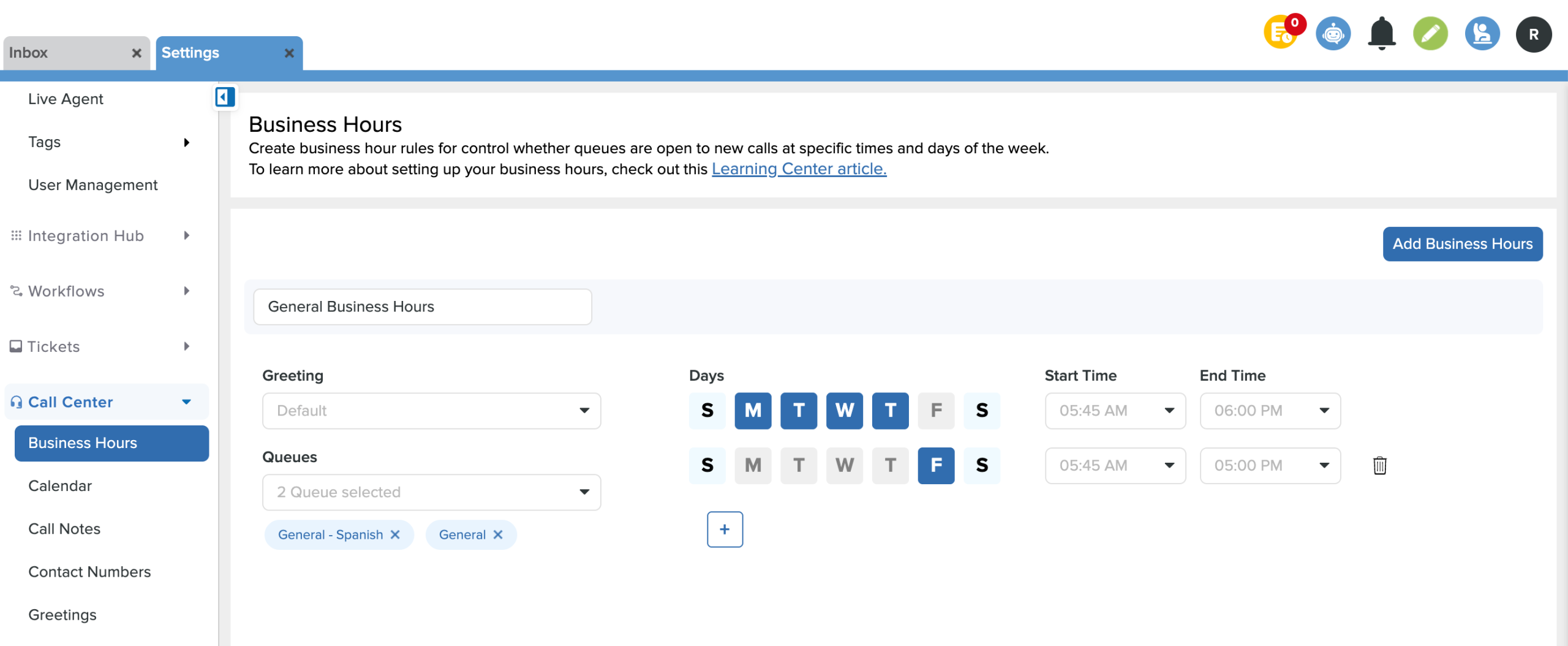
- From Settings, scroll down to Call Center and click on Business Hours.
- Click the Add Business Hours button.
- Name the entry and choose which greeting, queues, days, and times the business hours will be in effect.
- Set up to seven configurations for each day within the same queue. (Ex: Transportation queue is open 8 am - 5 pm on M, T, W & 9 am - 3 pm on Th and F)
- Click Save in the bottom right corner.
Remove Business Hours
- Click the trash can icon next to the business hours & Save.