
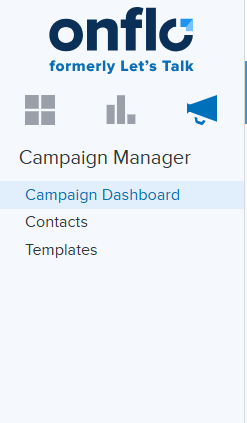
If you’re a System Administrator or Topic Owner, you may have noticed an extra icon in the top left-hand corner of your screen. Wondering what this Campaign Manager feature is all about? Read on!
What
Campaign Manager allows you to schedule and send out announcements, requests, or other messages to your school district community. With Campaign Manager, you can send these messages to everyone on your contact list all at once, distribute evenly over a period of time, or designate a daily delivery quota. Once campaigns are sent, you'll be able to track their delivery, as well as their success in generating Onflo (formerly Let's Talk) tickets.
Who
As a System Administrator or Topic Owner of a topic, you have access to Campaign Manager within your Onflo account. Of course, planning and coordinating with other members of your district team will help to ensure you have the right message to send at the right time. Once a message is approved, simply customize your template, upload a list of contacts, and your message will be on its way!
Why
Campaign Manager makes sharing information and inviting feedback effortless. Upload and reuse contact lists, choose from one of the many ready-to-go email templates or create and brand your own with your unique district logo. Whatever your goals, balancing outgoing messages and incoming feedback has never been easier.
Get started by exploring Campaign Manager, using the Create Campaign wizard to walk you through the process. If you have any questions about Campaign Manager or would like someone to walk you through creating your first campaign, please feel free to contact the Client Care Team!