
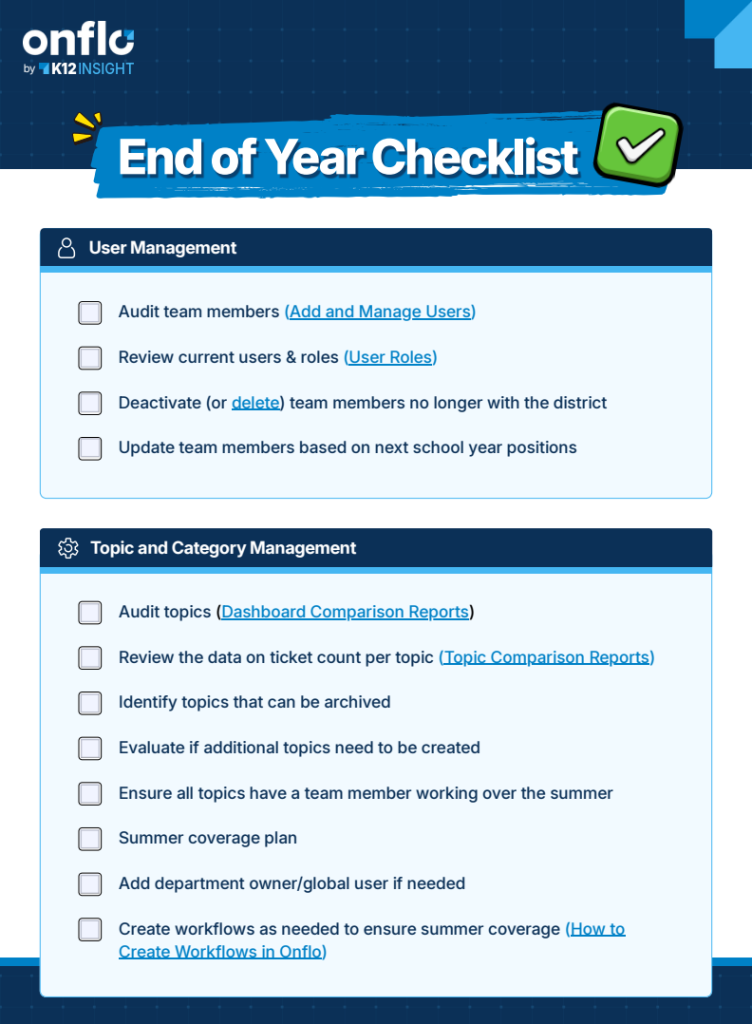
Onflo End of Year Checklist

More results...

Generic selectors
Exact matches only
Search in title
Search in content
Post Type Selectors
preview of the Onflo end of year checklist

Get Ready for Back to School:

Your Onflo End of Year Checklist

The stretch between the end of the school year and the first day back is one of the best opportunities you have to set your team up for success. Use this checklist throughout the summer to work through the key areas of your Onflo setup at a manageable pace, so everything is ready when students and families need you most.

The checklist covers five areas: User Management, Topic and Category Management, Calendar Management, Resource Management, and Planning for Next Year. Together they walk you through reviewing your team roster, archiving outdated topics, updating your district calendar, refreshing resources and response templates, and identifying any training needs or new features to roll out before back to school.

You don't have to do it all at once. Think of it as a summer roadmap, something to work through gradually so nothing gets missed and your team starts the year confident in the system.

Related Post

Make Onflo Part of Your Team's Daily Routine

New platforms take time to become habits. Checking Onflo daily surfaces issues before they escalate, equips leaders with real-time insights, and turns service data into strategic advantage. Make Onflo part of your team's daily rhythm with these proven, role-specific routines.

Read More ➜

How to Become a Customer Experience Superstar

Creating positive customer experiences can help your district build trust, retain families, and increase engagement across your school community. K12 Insight developed professional development and training opportunities to help staff members assess the service they provide and turn them into

Read More ➜

Topic Comparison Reports

You can audit your topics with the Topics Comparison Report to determine which topics are being used most frequently, and which topics are receiving few to no tickets.  From Analytics, click Comparison, then Topics.  The graph on the report shows

Read More ➜